Monitoring and Analysis Feature
Explain: The Product Ranking Analysis Tool
Explain helps e-commerce teams better understand the origin of search results and make quick decisions. The tool displays the detailed score of each product to facilitate data analysis, optimize product rankings, and improve the user experience.
-
 Solstice Drift Gold-rimmed sunglasses
 -
 Veralia Point Spectacles with thick arms
 -
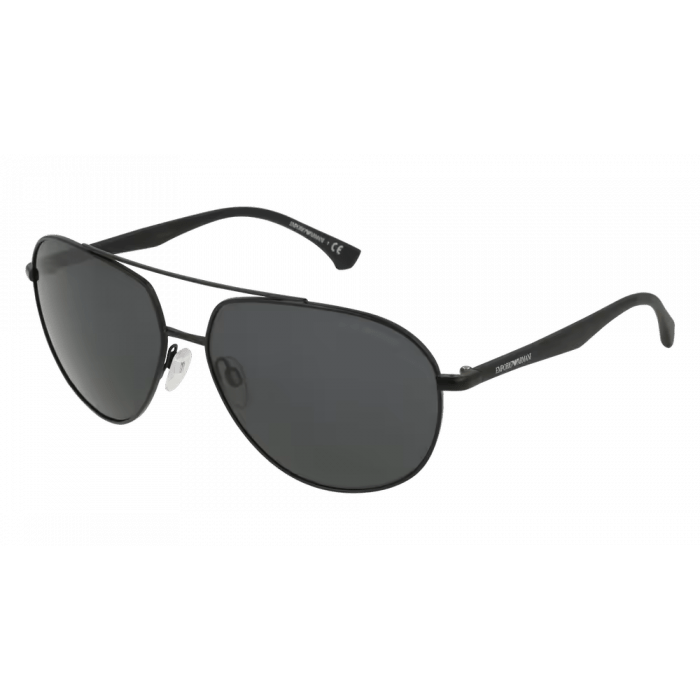 Astra Wave Sunglasses with black lenses
 -
 Claritya 2.0 Round spectacles with thin frames
Transparency
Real-Time Analysis of Results Ranking
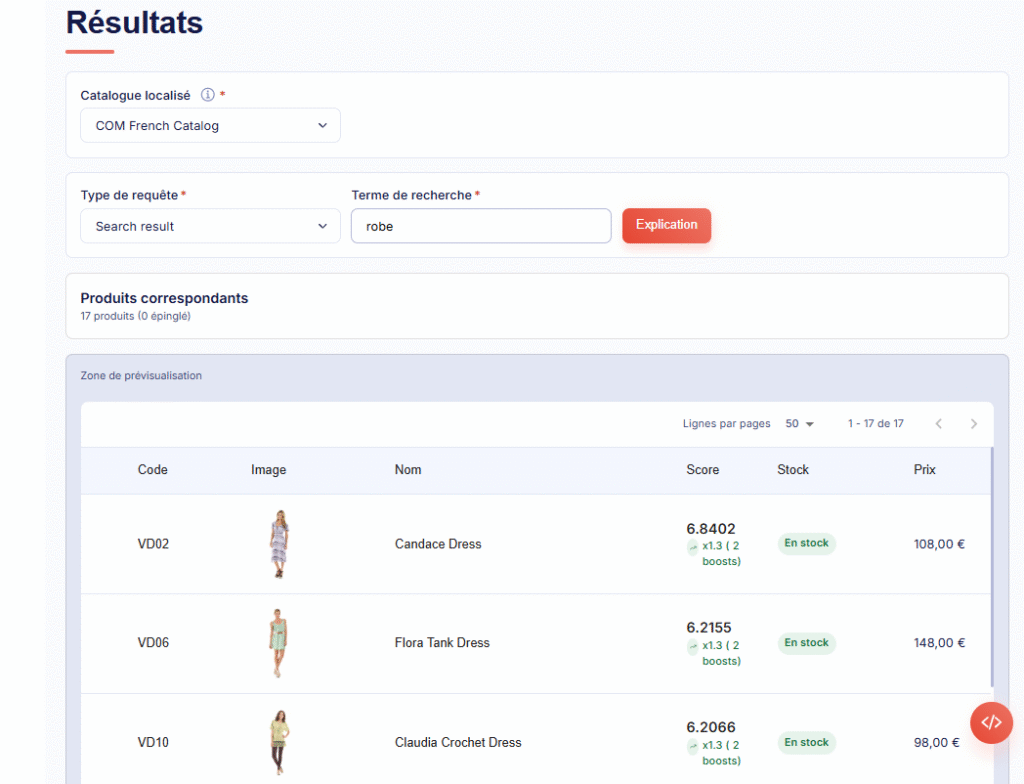
A product’s ranking results from multiple factors. With Explain, you perform a search or choose a category. You immediately see the results. They show their overall score and the calculation details.
This view accelerates analysis and allows you to leverage product ranking data to quickly act on your search results and optimize the implementation of your actions.
This view accelerates analysis and allows you to leverage product ranking data to quickly act on your search results and optimize the implementation of your actions.
Analysis
The Score and Calculation Detail: The Core of the Analysis
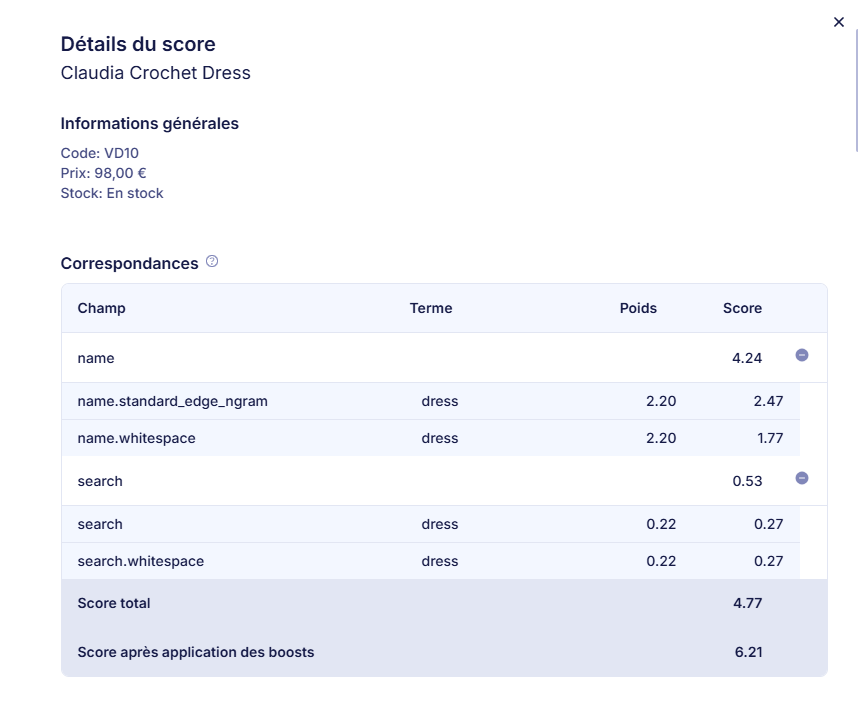
For each displayed product, the Explain feature reveals the exact score that determined its ranking. You get the detail of point attribution (applied boosts, keyword matching, etc.).
This transparency helps to track and better understand why certain products are ranked in your search results. This relies on simple data analysis.
This transparency helps to track and better understand why certain products are ranked in your search results. This relies on simple data analysis.
Continuous Improvement
Transforming Analysis into High-Performing E-commerce
The opacity of search results hinders your decisions. Explain provides the clarity needed to make quick decisions and improve the conversion rate.
Time Saving in Monitoring
Eliminate manual searches and hypotheses. The score helps e-commerce teams find and correct product ranking issues. This optimizes the ranking quickly.
Boost Validation
Use Explain to verify if your latest boost or merchandising rule has the desired effect. This will help you see its impact on ranking and scores, and ensure a positive effect on revenue.
Search Audit
Score visualization is a good tool. It helps understand the quality of your search tool. You can also audit your product categories.
FAQ
FAQ: Optimize Product Ranking with Explain
This FAQ explains how to analyze product ranking. It also covers results monitoring. Finally, it shows the impact on your e-commerce sites and your sales.
Read the User Guide or contact us for assistance.
Read the User Guide or contact us for assistance.