Navigation and Merchandising Feature
The Dynamic Facet Engine: The E-commerce Merchandising Tool
Offer your customers an ultra-smooth navigation experience. Our facet engine goes beyond simple filtering: it manages dynamic ranking, coverage rate, and per-category personalization, ensuring that the presented filters are always relevant and optimized for conversion.
-
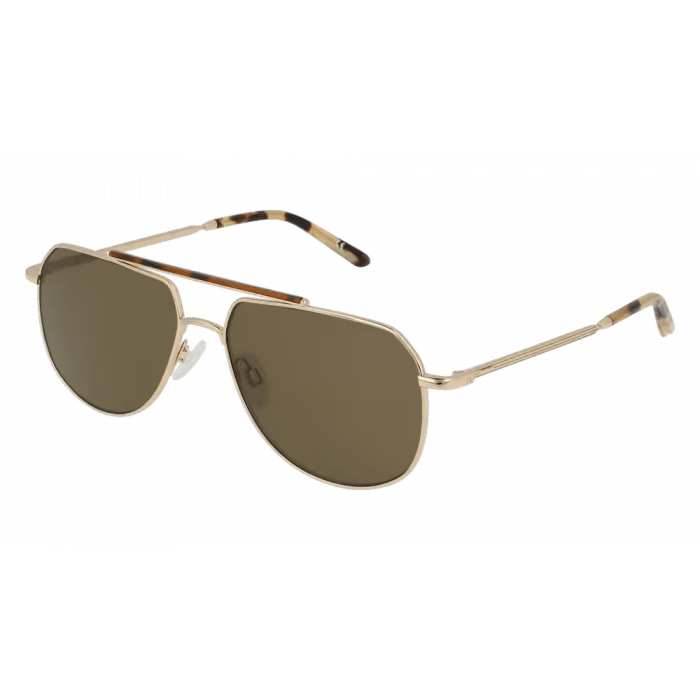
 Solstice Drift Gold-rimmed sunglasses
 -
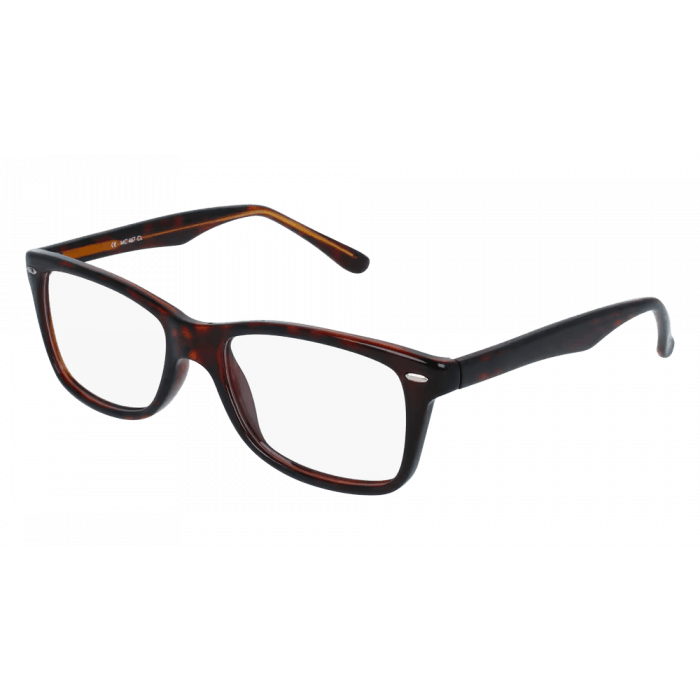 Veralia Point Spectacles with thick arms
 -
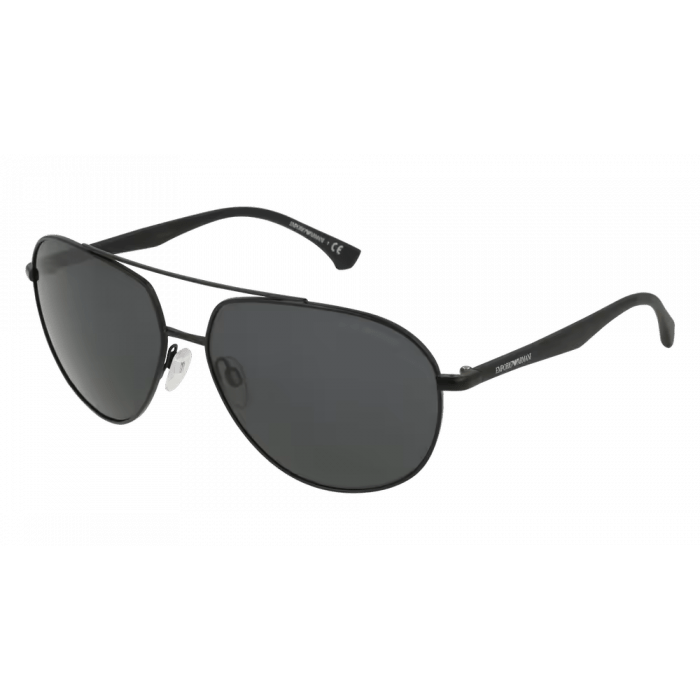 Astra Wave Sunglasses with black lenses
 -
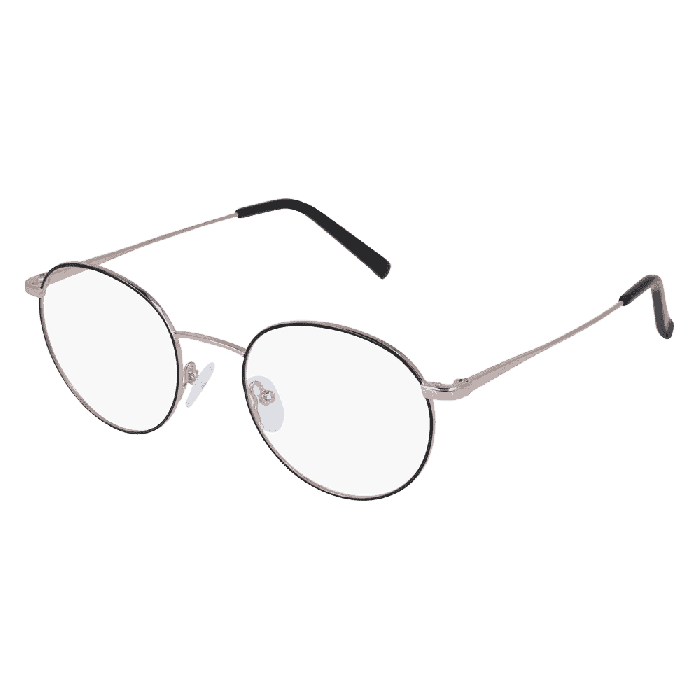
 Claritya 2.0 Round spectacles with thin frames
Key Benefits
Facets: The Starting Point for a Successful E-commerce Conversion
Ease of filtering is directly correlated with the conversion rate. An effective facet engine is the first step toward a perfect merchandising experience.
Category-Level Merchandising Precision
You can apply different facet settings for each category (e.g., prioritize the “Brand” filter for phones, and the “Color” filter for clothing), ensuring maximum contextual relevance for every step of the e-commerce journey.
Sorting by Number of Results for Ranking
Sorting facet values by the number of results allows your merchandising to capitalize on the most represented attribute values. The most common options are displayed first, which offers more choices and thus optimizes the conversion rate.
Maximum Conversion (Coverage Rate)
By displaying only relevant facets (thanks to the Coverage Rate), you reduce frustration and accelerate the conversion funnel, ensuring effective merchandising.
User Experience
Dynamic Facets for Intelligent Merchandising
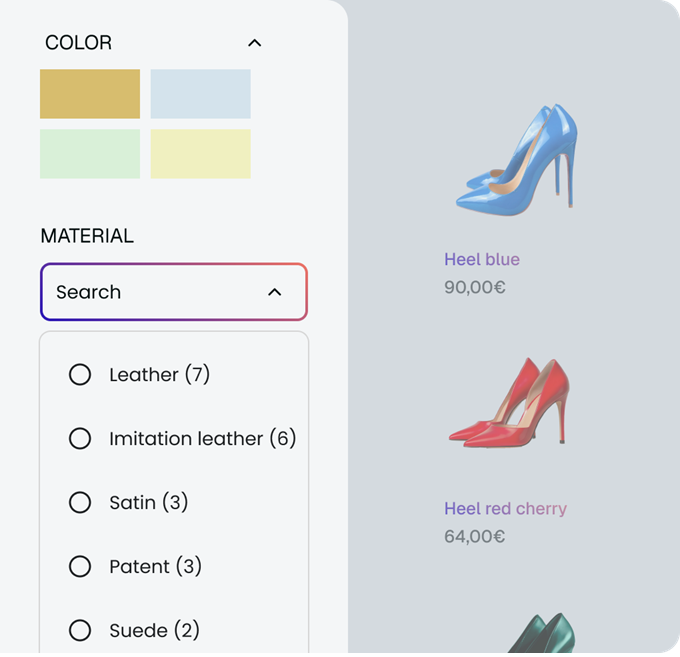
No more displaying empty filters! Coverage rate management ensures that only facets with enough products are shown. This simplifies navigation and focuses the user’s attention on choices that will lead to a purchase, improving your e-commerce efficiency.
Flexibility
Tailor-Made Configuration: Adapt Your Facets to Each Category
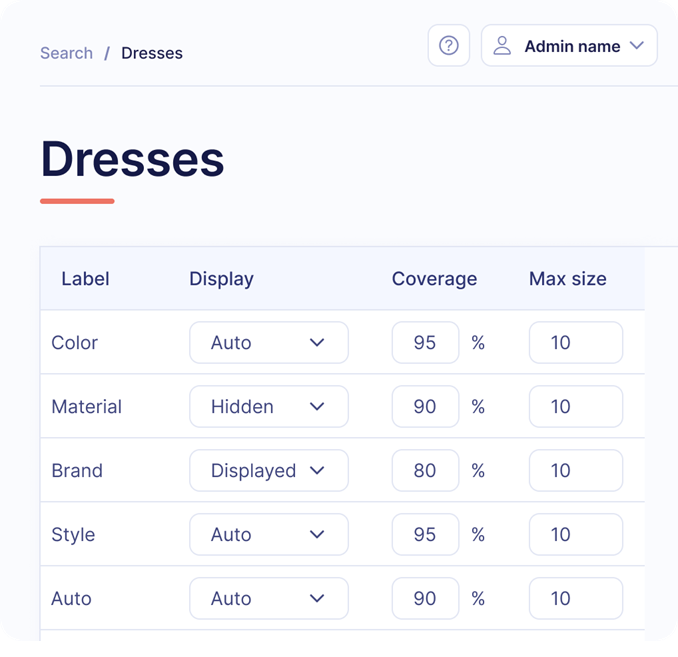
Good merchandising knows that filtering needs are not the same everywhere. You can configure the order of facets and their display settings specifically for each category page. For example, the “Size” filter will be prioritized for “Clothing,” while the “Materials” filter will take precedence in the “Furniture” category.
Ranking Control
Facet Ranking: Mastering the Display Order
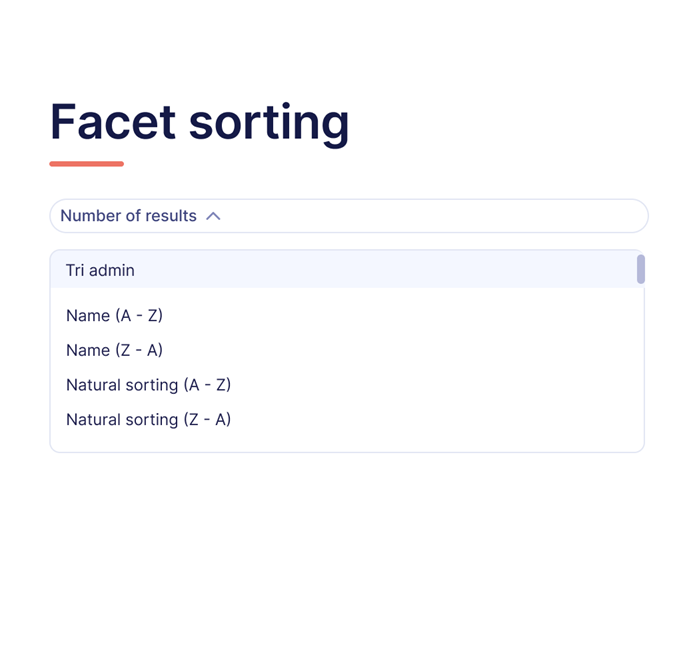
Ranking doesn’t just apply to products; it is just as crucial for facets. We offer total flexibility for sorting their values (the attributes): you can opt for sorting by alphabetical order, by the number of results (to push up the most popular values), or by a manual admin sort for specific merchandising reasons (e.g., placing a trendy color first).
FAQ
FAQ: Everything You Need to Know About Optimizing Filters and E-commerce Merchandising
Discover how ElasticSuite/Gally dynamic facets improve navigation, relevance, and product visibility on your category pages, search results, or digital points of sale. Find answers to the most frequently asked questions here.
Read the User Guide or contact us for assistance.
Read the User Guide or contact us for assistance.